
NikoCat233
- Discord Invite discord.gg/dKpX2FAvGc
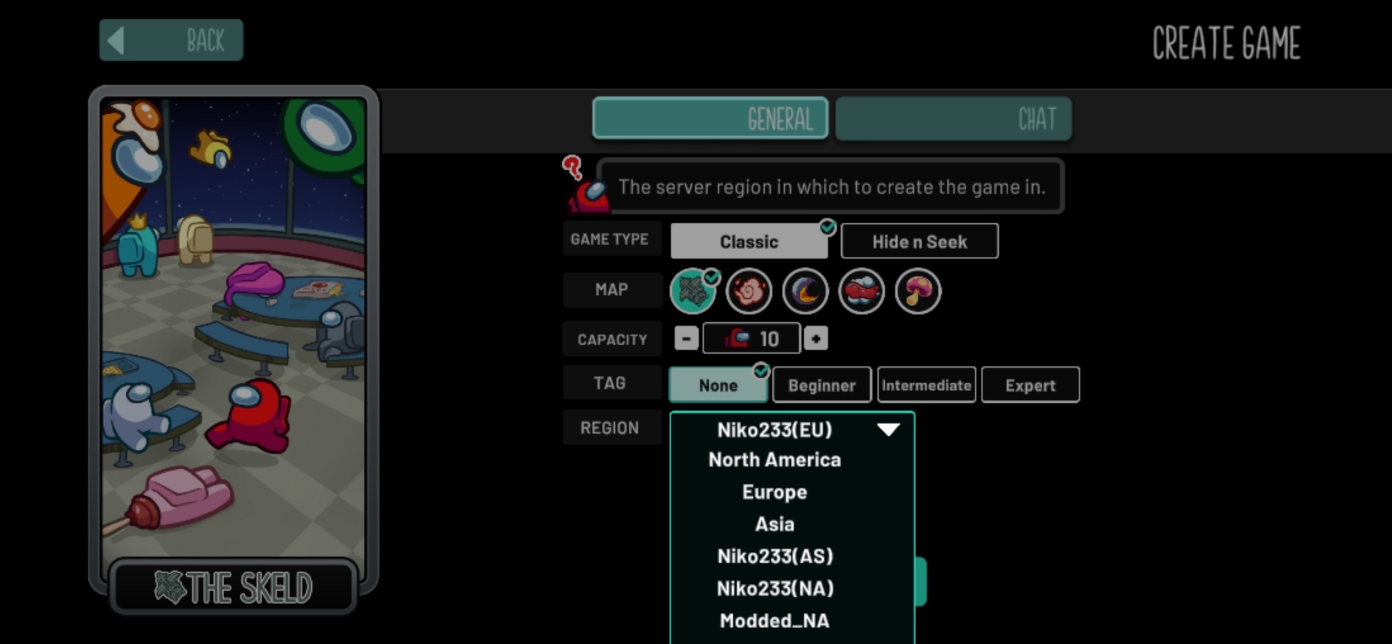
- Region Names Niko NA, Niko Asia
- GitHub github.com/NikoCat233
Use the links below on mobile, or use the setup panel below if you need to replace your region file on Windows.
Huge shoutout to NikoCat233. He has been such a major part of the MAUL and modded community since I joined in 2023, and he has been there to support all of us from the beginning.
The region buttons on this page are loaded from data/regioninfo.json.
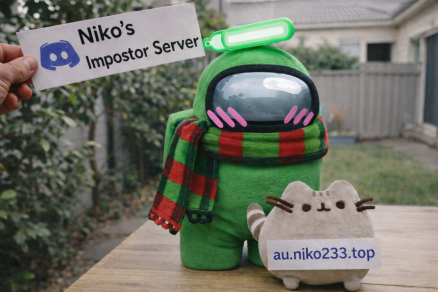
MAUL - NA and MAUL - EU are the choices for MAUL, with backend support powered by NikoCat233.
Join MAUL for updates, help, and region support.
Join MAUL DiscordAOU regions are made by our partners and the creators of the Starlight Launcher. Join their Discord to keep up with their work and launch updates.
Join Starlight DiscordThe Modded Regions are independent custom servers operated by community members miniduikboot and GD and have been operating non-stop since 2021. The modded regions are there for mods that can't or won't work on the official servers.
Support ServerJarne created Jarne's Custom Regions to give modded Among Us players another dedicated place to connect. Jarne's MEU helps provide backend support for modded lobbies and adds another option for the community.
Jarne gives a huge thanks to Sarha for the continued support of both projects, and welcomes community help and issue reports so problems can be fixed quickly.
Join Jarne's DiscordIf nothing opens, make sure Among Us is installed and open first.
Installer provided by Theta at Project Lotus.
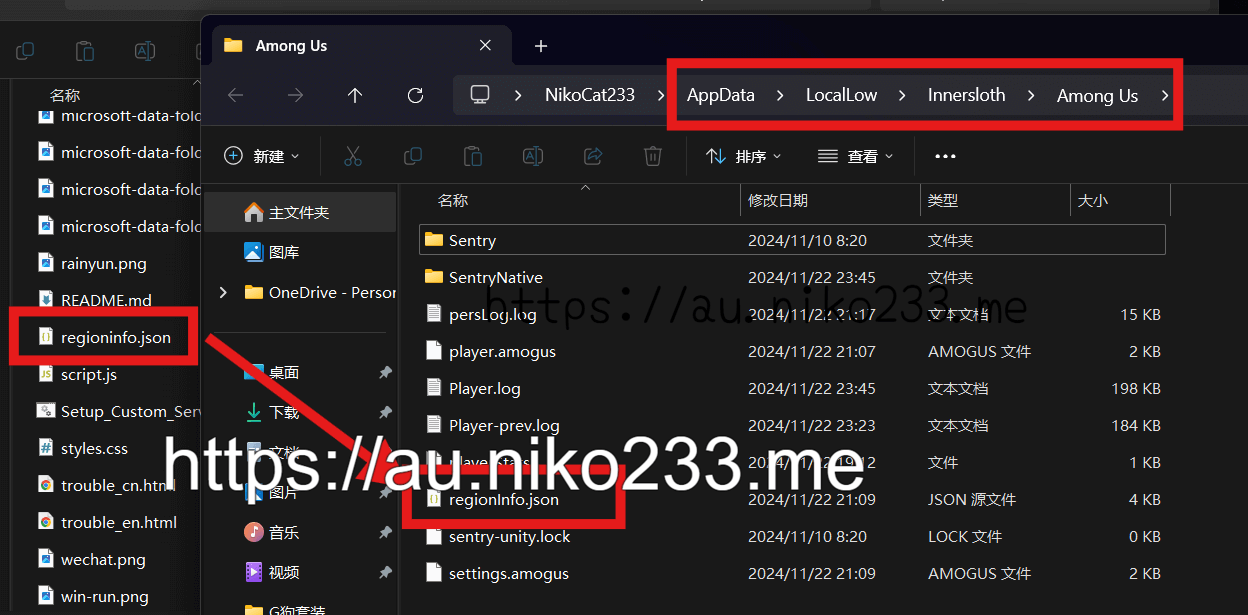
Download and run the script. It finds the correct Among Us region file, including Microsoft Store installs, backs up the existing file, and installs the latest region list.
Close Among Us before running the script, then restart the game when it finishes. You can open the .bat file in Notepad first if you want to review it.
Download Windows installerInstaller provided by Theta at Project Lotus.
Download the shell script, make it executable, run it, then restart Among Us.
chmod +x AUCustomServers.sh../AUCustomServers.sh.Use this only if the installer cannot run on your system:
Select only the regions you use, then download a trimmed region file.
%userprofile%\AppData\LocalLow\Innersloth\Among Us.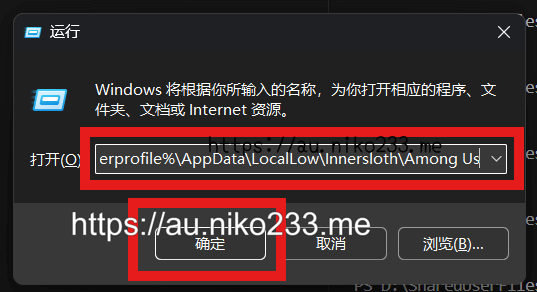
Need help? Join MAUL.